

- Open the trade, order, event, or payout.
- Select View on Explorer, or scan the QR code where one is shown.
- Compare the explorer record with what the interface shows.
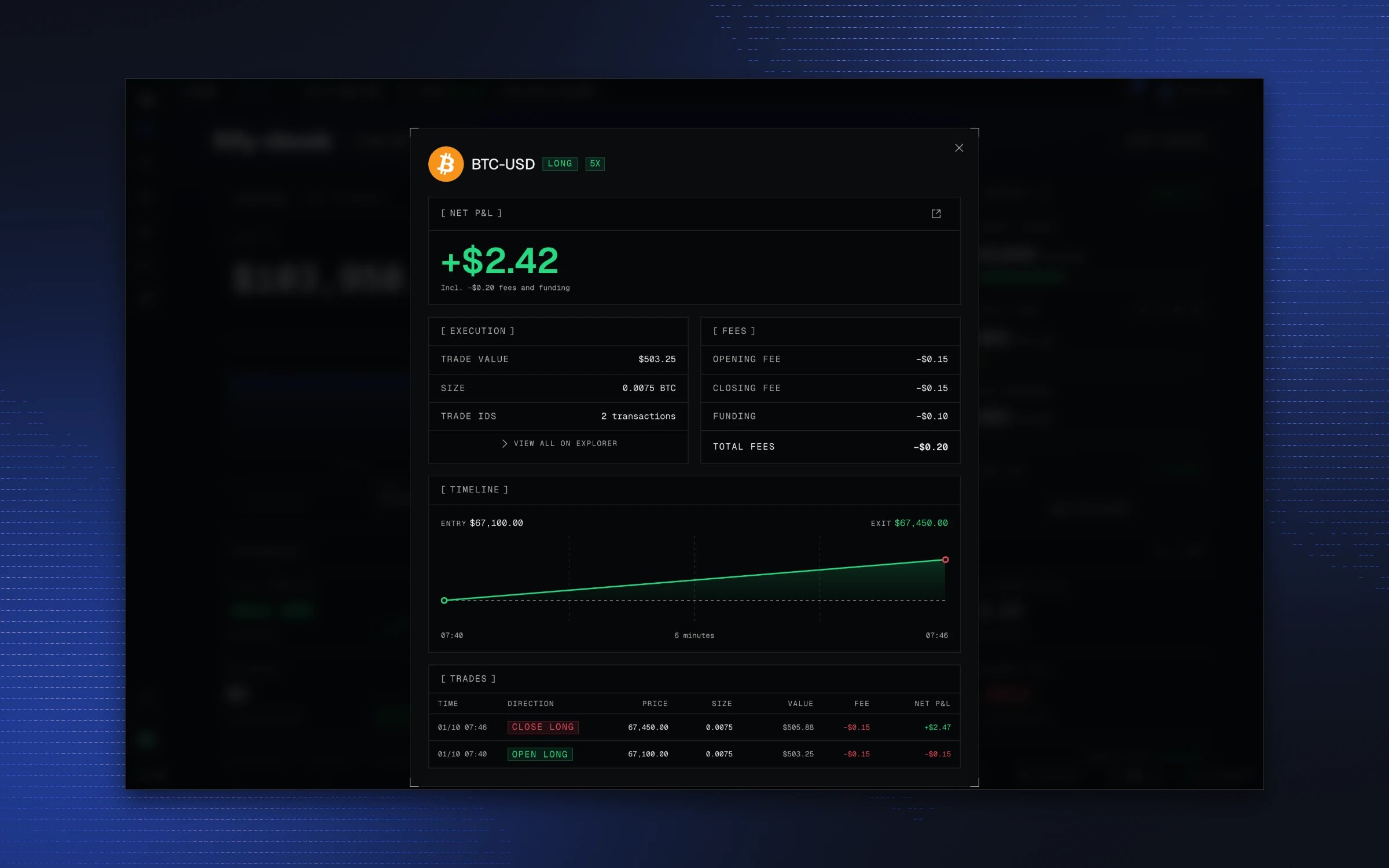
What you are verifying
That the activity the interface shows has a matching record on-chain: account creation and its rules, trades, account events, and payouts.Why on-chain verification matters
Most platforms ask you to trust the numbers on their screen. An explorer record can be checked outside OWNIT. Use it to:- confirm an activity was recorded
- review an account’s history
- trace a trade or an evaluation event
- share a trade or payout with someone who does not trust a screenshot