Build your order
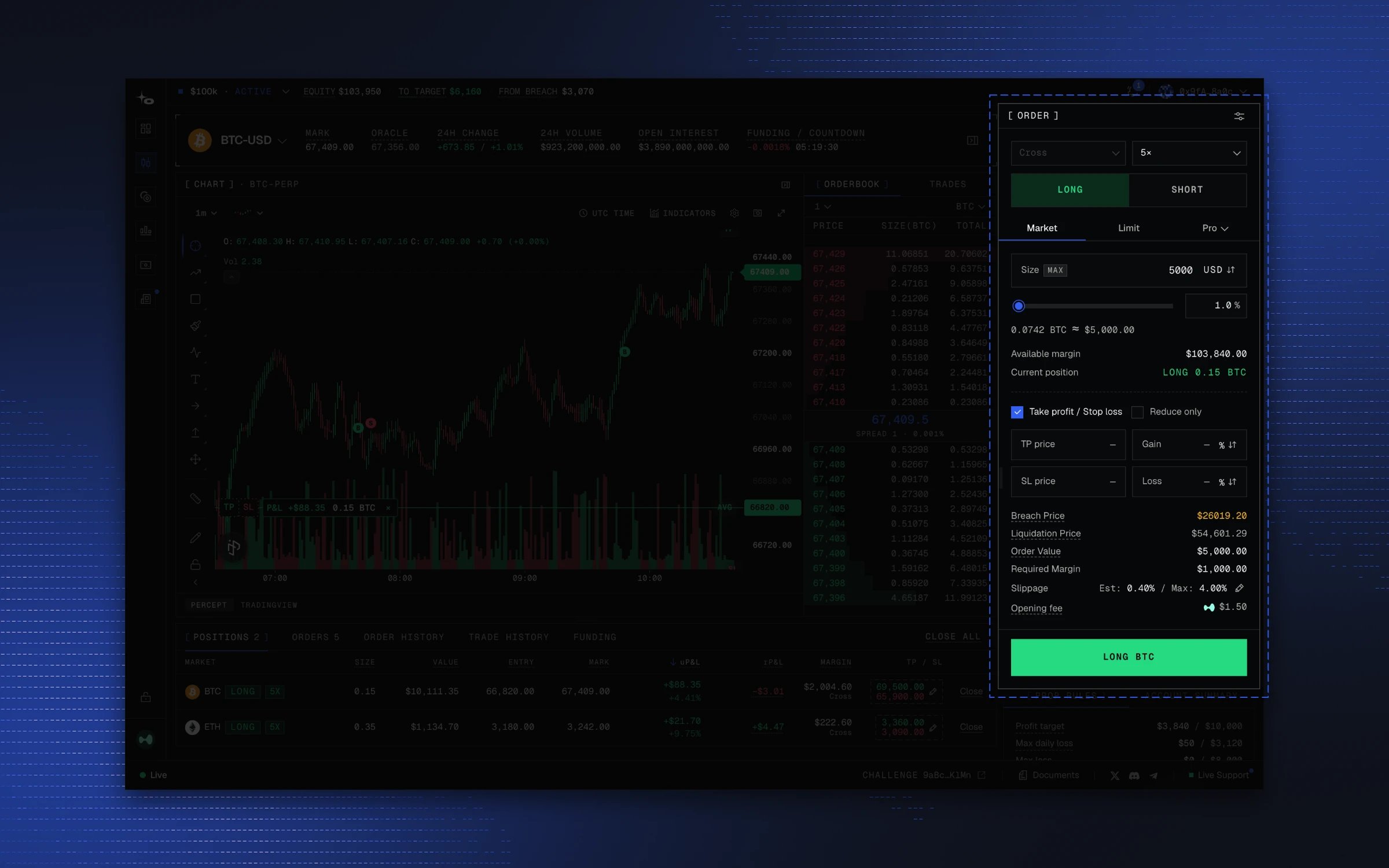
- Margin mode (Cross or Isolated; some markets are Isolated only) and leverage, up to the market’s cap.
- Long or Short.
- Market or Limit. A limit order takes the price it should rest at.
- Size, as an amount or a percentage of available margin.
- Take profit / stop loss, attached to the order.
- Reduce only, so the order can only shrink an existing position.
Review before trading
Before you submit, the panel shows liquidation price, order value, margin required, slippage estimation, and entry fee; see Fees. Note that the review values are informative only, as the actual values after the order fills could differ slightly due to slippage.Lite mode
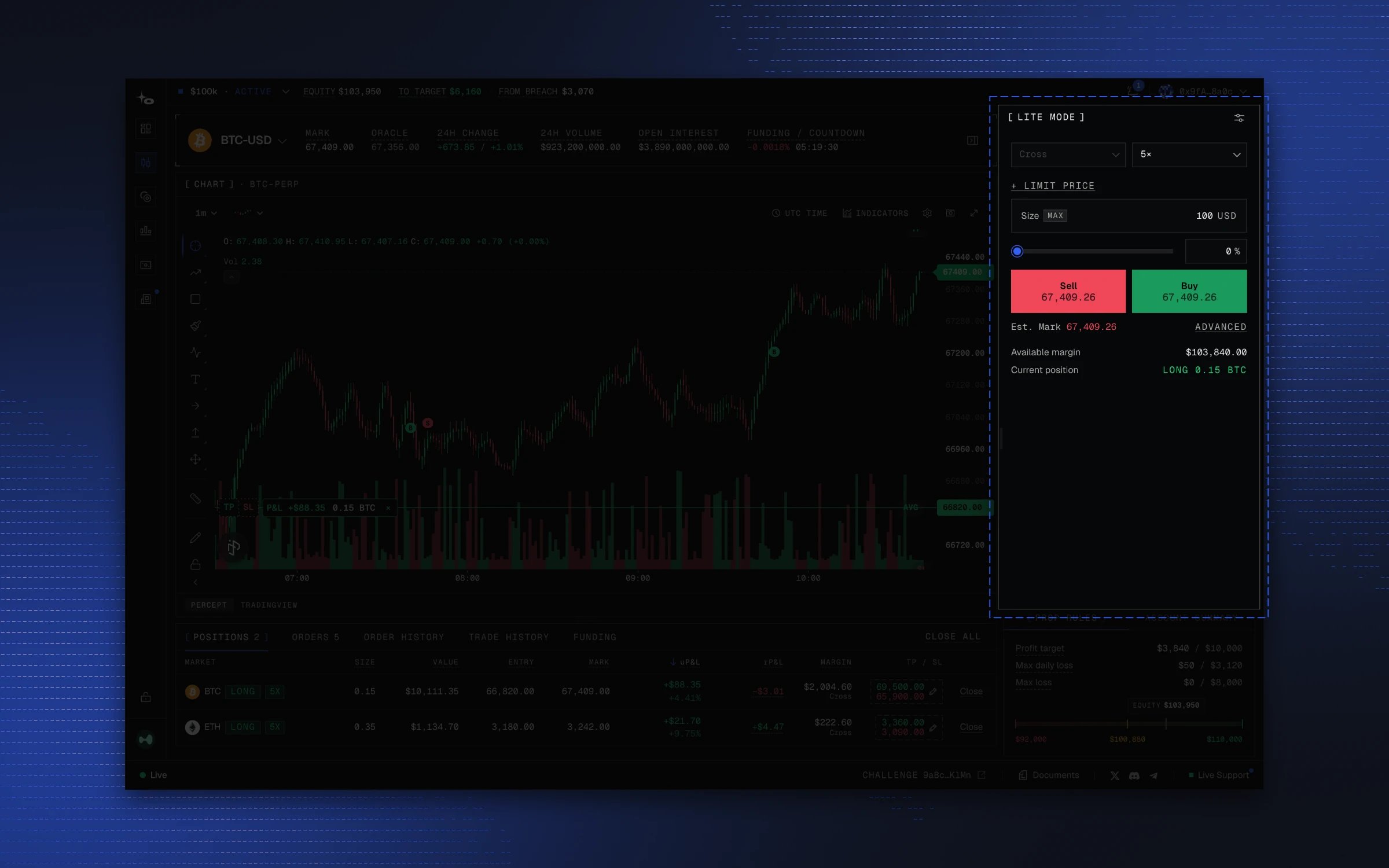
Lite mode is the same ticket cut down to four controls: margin mode, leverage, limit price, size. Buy and Sell fill as simulated market orders priced from the order book, so the fill price can differ slightly from the mark price.